Rails Upgrade Series: From Rails 4.2 to Rails 8.0
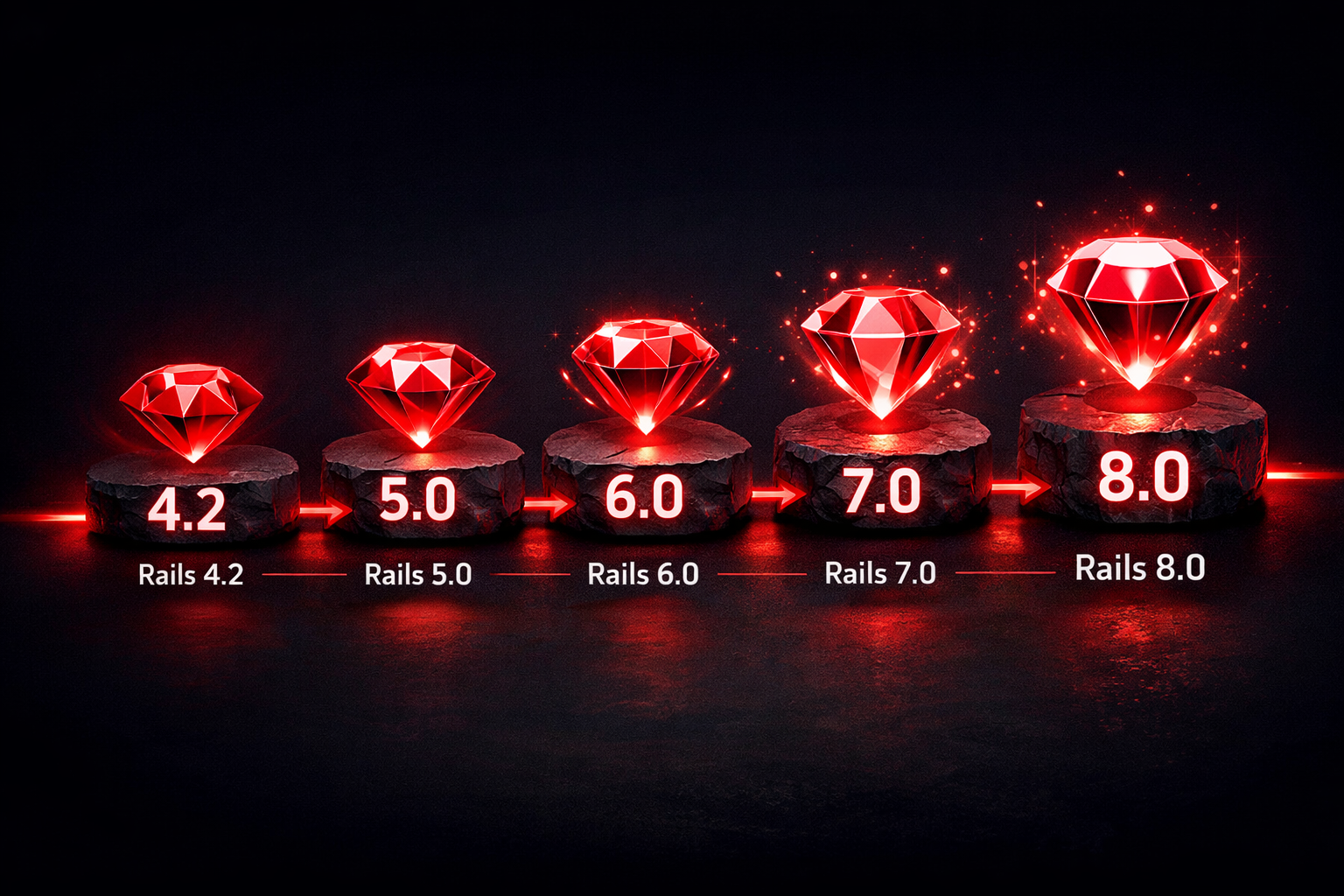
This series documents the complete journey of upgrading a production Rails application from version 4.2 (released 2014) to version 8.0 (released 2024). It covers not just the mechanical steps, but the real issues encountered, the debugging process, and the lessons learned along the way.
Quick Navigation
- Phase 1: Test Coverage First
- Phase 2-3: Rails 4.2 → 5.2
- Phase 4: Rails 5.2 → 6.0
- Phase 5: Rails 6.0 → 6.1
- Phase 6: Rails 6.1 → 7.0
- Phase 7: Rails 7.0 → 7.1
- Phase 8: Rails 7.1 → 8.0
The Journey
Starting Point:
- Rails 4.2.11.3
- Ruby 2.7.8
- ~30% test coverage
- Outdated gem dependencies
- Legacy patterns throughout
End Point:
- Rails 8.0.4
- Ruby 3.2.7
- 82%+ test coverage
- Modern gem ecosystem
- Zeitwerk autoloading
- Clean, maintainable codebase
Key Statistics
- 8 phases over the upgrade journey
- 7 Rails version jumps (4.2 → 5.0 → 5.2 → 6.0 → 6.1 → 7.0 → 7.1 → 8.0)
- 2 Ruby version jumps (2.7.8 → 3.1.6 → 3.2.7)
- ~30 hours of focused work across all phases
- 582 tests maintained and passing throughout
- 30% → 82% test coverage improvement
The Series
Phase 1: Test Coverage First
Before touching any Rails versions, we established a solid test foundation. This phase was about building confidence—you can’t upgrade safely without tests that tell you when something breaks.
Key work:
- Replaced deprecated Poltergeist/PhantomJS with Selenium + headless Chrome
- Fixed Devise test helper deprecations
- Added SimpleCov for coverage tracking
- Mocked external services (AWS, PayPal, RabbitMQ)
- Improved coverage from 30% to 80%
Read Phase 1: Test Coverage First →
Phase 2 & 3: Rails 5.0 to 5.2
The first major version jumps. Rails 5 introduced significant changes around belongs_to associations, CSRF protection, and cookie serialization. This phase combined the 4.2 → 5.0 and 5.0 → 5.2 upgrades.
Key challenges:
belongs_toassociations now required by default- CSRF and cookie authentication breaking login flows
- Turbolinks event name changes
- DataTables gem compatibility issues
Read Phase 2 & 3: Rails 5.0 to 5.2 →
Phase 4: Rails 6.0 (Zeitwerk, Apple Silicon, Ruby 3)
The Zeitwerk migration phase. This was more complex than expected due to the intersection of three major changes: Rails 6’s new autoloader, Apple Silicon’s compilation requirements, and Ruby 3’s security improvements.
Key challenges:
- Zeitwerk’s strict file naming requirements
sasscgem incompatibility on Apple Silicon (switched todartsass-sprockets)- Ruby 3.1’s YAML security changes (Psych 4.0)
- Removed unmaintained gems (
acts_as_commentable)
Phase 5: Rails 6.0 to 6.1
A “minor” version bump that wasn’t so minor. Sprockets 4 incompatibilities with older CSS frameworks caused immediate breakage.
Key challenges:
- Sprockets 4 incompatibility with
bootstrap-sass(pinned to Sprockets 3.x) cattr_accessorbehavior changes in singleton classes- Sass deprecation warnings from Dart Sass
Read Phase 5: Rails 6.0 to 6.1 →
Phase 6: Rails 6.1 to 7.0
The major jump to Rails 7. Zeitwerk timing changes broke initializers, and several gems needed major updates.
Key challenges:
- Zeitwerk autoloading timing with initializers
- Airbrake gem incompatibility (9.x → 13.x)
fixture_file_uploadpath changes- Constant reinitialization warnings
Read Phase 6: Rails 6.1 to 7.0 →
Phase 7: Rails 7.0 to 7.1
Stricter enforcement and deprecation cleanup. This phase revealed assumptions we’d been making for years.
Key challenges:
- PaperTrail incompatibility (12.x → 15.x)
- Zeitwerk now rejects explicit
requirefor autoloaded files ActionController::Parametersenforces string/symbol keyssecrets.ymlfinally deprecated
Read Phase 7: Rails 7.0 to 7.1 →
Phase 8: Rails 7.1 to 8.0 (Final)
The final milestone. This phase required upgrading both Ruby and Rails, introducing additional complexity.
Key challenges:
- Ruby 3.2 requirement (hard dependency)
- Native gem recompilation (
pggem) - PaperTrail incompatibility (15.x → 17.x)
- Minitest 6.0 incompatibility (pinned to 5.x)
- Controller test file upload state changes
- Devise mappings lazy loading
Read Phase 8: Rails 7.1 to 8.0 →
Key Lessons Learned
1. Start with Tests
The single most important decision was Phase 1: improving test coverage before touching Rails versions. Every subsequent upgrade was validated by hundreds of tests. When something broke, we knew immediately and could isolate the issue.
2. Upgrade Incrementally
Jumping from Rails 4.2 to 8.0 in one step would have been impossible. Each version introduced changes that needed to be addressed before moving to the next. Incremental upgrades made issues debuggable.
3. Zeitwerk is Worth It
The Zeitwerk migration (Phase 4) was painful, but the payoff is real: deterministic autoloading, no more “works in development, fails in production” issues, and explicit naming conventions.
4. Gem Compatibility is Half the Battle
Many upgrade issues came from gems, not Rails itself:
- PaperTrail needed updates in both Phase 7 and Phase 8
- Airbrake needed a major version bump for Rails 7.0
jquery-datatables-railswas replaced with manual assetsacts_as_commentablewas removed entirely
5. Technical Debt is Sometimes Necessary
We accepted some technical debt to keep moving:
- Pinned Sprockets to 3.x for
bootstrap-sasscompatibility - Silenced Sass deprecation warnings
- These are documented and can be addressed separately
6. Apple Silicon Changed the Landscape
Native extensions compiled for Intel don’t work on ARM. If you’re on Apple Silicon, expect gem compatibility issues with older gems that have C/C++ extensions.
7. Each “Minor” Version Can Break Things
Rails 6.0 → 6.1 and 7.0 → 7.1 were both “minor” version bumps that introduced breaking changes. Don’t assume minor versions are safe—always run your full test suite.
Time Investment
| Phase | Version Jump | Time |
|---|---|---|
| 1 | Test Infrastructure | ~8 hours |
| 2-3 | Rails 4.2 → 5.2 | ~8 hours |
| 4 | Rails 5.2 → 6.0 | ~8 hours |
| 5 | Rails 6.0 → 6.1 | ~3 hours |
| 6 | Rails 6.1 → 7.0 | ~4 hours |
| 7 | Rails 7.0 → 7.1 | ~2 hours |
| 8 | Rails 7.1 → 8.0 | ~3 hours |
| Total | ~36 hours |
The investment paid off. The application now runs on modern infrastructure, benefits from years of Rails improvements, and is positioned for future upgrades.
Should You Upgrade?
If you have a Rails 4.x or 5.x application in production, consider:
- Security: Older Rails versions no longer receive security patches
- Performance: Rails 7+ and Ruby 3+ offer significant performance improvements
- Developer Experience: Modern Rails has better tooling and documentation
- Hiring: Developers prefer working with modern frameworks
- Ecosystem: Many gems drop support for older Rails versions
The upgrade is work, but it’s manageable work when done incrementally with good test coverage.
All Posts in This Series
| Phase | Post |
|---|---|
| 1 | Test Coverage First |
| 2-3 | Rails 4.2 → 5.2 |
| 4 | Rails 5.2 → 6.0 (Zeitwerk, Apple Silicon, Ruby 3) |
| 5 | Rails 6.0 → 6.1 |
| 6 | Rails 6.1 → 7.0 |
| 7 | Rails 7.0 → 7.1 |
| 8 | Rails 7.1 → 8.0 (Final) |
This series documents a real upgrade journey. The issues, solutions, and lessons are based on actual experience upgrading a production application.