Sunday Experiment: Building a Private Claude Code Alternative
Sunday Experiment: Building a Private Claude Code Alternative
The Spark
It started, as most good experiments do, with a question: What would it take to build my own private alternative to Claude Code?
I use Claude Code regularly. It’s genuinely useful for software engineering tasks—understanding codebases, writing tests, refactoring, explaining complex logic. But there’s a friction point every time I use it: my code, my proprietary work, goes to Anthropic’s servers. For some projects, that’s fine. For others, it’s not.
The Sunday experiment began with a simple premise: Can I replicate enough of the Claude Code experience locally, using consumer hardware, without compromising on privacy or spending a fortune?
This is the story of what worked, what failed spectacularly, and what I learned along the way.
The Goal
Claude Code isn’t just a chatbot. It’s an agentic coding assistant that can:
- Read and understand entire codebases
- Execute commands and shell operations
- Write, edit, and refactor code
- Run tests and verify fixes
- Maintain context across long coding sessions
Building a true alternative meant more than just running a model locally. It meant creating a stack that could:
- Run LLMs efficiently on home hardware
- Expose an OpenAI-compatible API for tooling integration
- Provide secure remote access (because I don’t always work from the same network)
- Actually be useful for real coding tasks
Constraints
Before diving in, I needed to be honest about the boundaries of this experiment:
- Hardware: Limited to 16GB VRAM on a consumer GPU (4070 Ti Super), which forces aggressive quantization for larger models
- Remote access: I wanted to run inference on my desktop but access it from my laptop, wherever I happened to be working
- Time: This was a Sunday experiment, I needed something working quickly, not a production grade system
- Expertise: I wanted minimal DevOps complexity; no Kubernetes, no custom CUDA kernels, no model surgery
- Privacy: The entire point was fully local inference with no cloud fallback, so hybrid solutions were off the table
- Budget: Zero additional spend using only hardware I already owned
These constraints shaped every decision that followed.
The Hardware
Here’s what I had available in my home office:
| Component | Specification |
|---|---|
| OS | Ubuntu 22.04.5 LTS x86_64 |
| CPU | AMD Ryzen 7 4700G with Radeon Graphics (16 cores) |
| GPU | NVIDIA 4070 Ti Super (16GB VRAM) |
| RAM | 32GB system RAM |
| Storage | SSD with ~200GB free |
On paper, this is a decent homelab setup. The 4070 Ti Super with 16GB VRAM is often recommended for local LLM work. The Ryzen 7 4700G is no slouch either—8 cores, 16 threads, solid for multi-tasking.
Reality, as we’ll see, had other ideas.
Options Considered
Before settling on my final stack, I evaluated several approaches for each component:
LLM Inference Server
| Option | Pros | Cons | Verdict |
|---|---|---|---|
| Ollama | Dead simple setup, good model library, active community | Less control over inference parameters | ✓ Chose this |
| LM Studio | GUI-based, beginner-friendly | Less scriptable, harder to integrate with tooling | ✗ |
| LocalAI | OpenAI-compatible out of the box | Smaller model ecosystem, less active development | ✗ |
Remote Access
| Option | Pros | Cons | Verdict |
|---|---|---|---|
| Tailscale | Zero-config, WireGuard-based, secure by default | Depends on coordination server | ✓ Chose this |
| Port forwarding | Simple concept | Security nightmare, exposes home network | ✗ |
| Cloudflare Tunnel | Free, handles HTTPS | More complex, unnecessary for private use | ✗ |
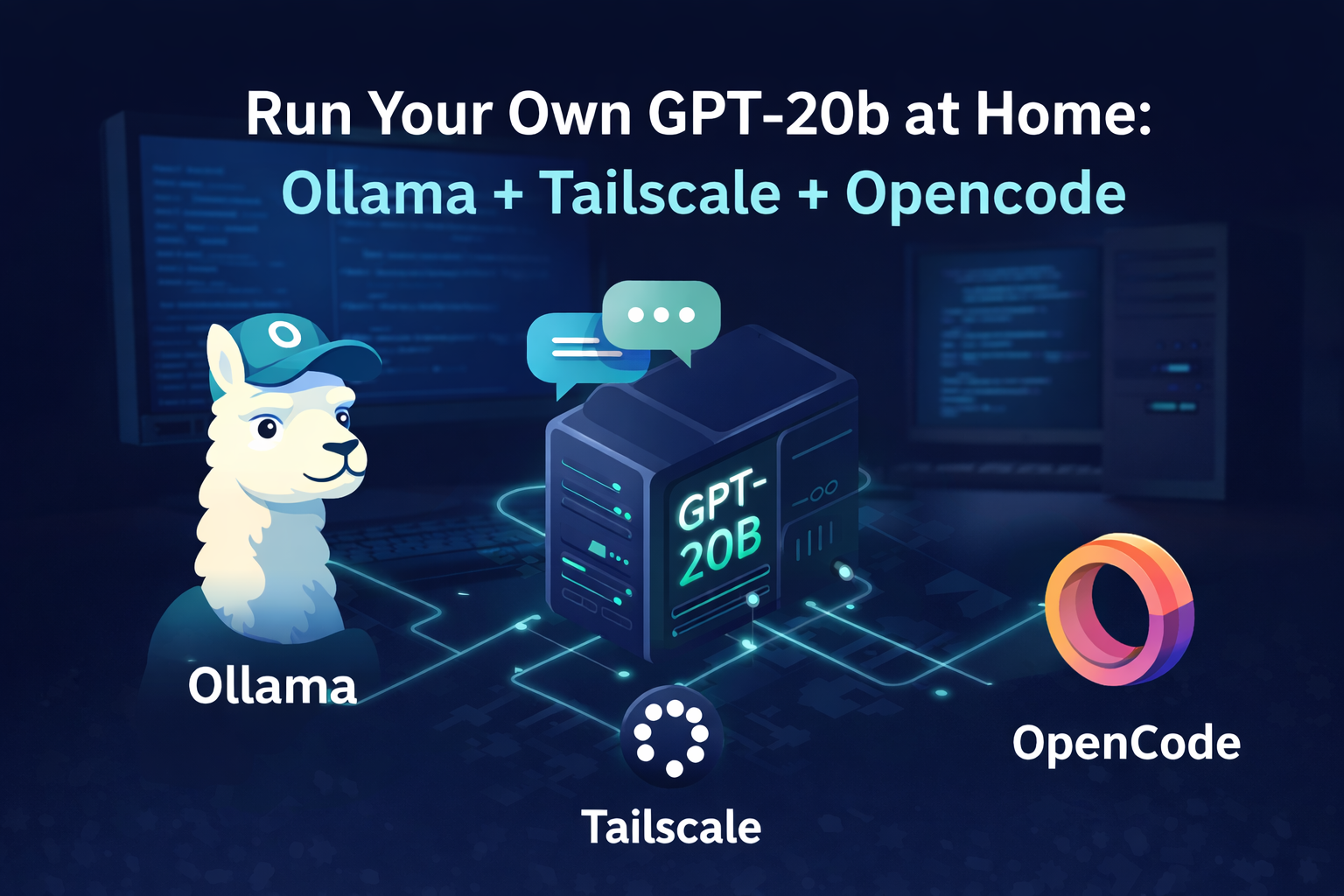
The winning combination—Ollama + Tailscale + Opencode—optimized for simplicity and time-to-working-prototype over raw performance or flexibility.
Ollama
Ollama makes running local LLMs almost trivially simple. Instead of dealing with raw model weights, transformers libraries, and CUDA configurations, you get a single command:
ollama pull gpt-oss:20b
ollama serve
It handles the heavy lifting of model loading, quantization, and inference. The trade-off is less control, but for an experiment, that was acceptable.
Tailscale
I needed secure remote access. Opening ports on my home router is a non-starter for security reasons, and VPN configurations are tedious.
Tailscale creates a WireGuard-based mesh network between my devices. My server gets a private IP (like 100.xx.xx.xx), and I can access it from my laptop anywhere without exposing anything to the public internet.
sudo tailscale upThat’s it. One command, and the server is accessible from all my authenticated devices.
Opencode
This is the piece that transforms a raw Ollama instance into something Claude Code-like. Opencode is an agent runner (reads files, runs bash, edits code) that connects to Ollama’s OpenAI-compatible API.
The mental model:
- Ollama = inference server that exposes an OpenAI-compatible REST API at
/v1 - Opencode = agentic client that talks to Ollama (or other providers) to perform coding tasks
export OLLAMA_HOST=http://localhost:8080
npx opencode serve
With this setup, Opencode connects to Ollama’s API endpoint, and any other tools that work with OpenAI’s API can also point directly to Ollama’s /v1 endpoint. LangChain agents, coding tools, existing projects—all become candidates for local LLM power by pointing them at http://localhost:8080/v1.
The Model Experiments
With the stack assembled, the real experiment began: finding a model that could actually help with coding.
I tried several models through Ollama, ranging from the tiny to the ambitious:
| Model | Parameters | VRAM Usage | Coding Performance |
|---|---|---|---|
| codellama:7b | 7B | ~4GB | Fast but limited context, surface-level code understanding |
| llama3.1:8b | 8B | ~6GB | Better reasoning, still struggled with complex codebases |
| codellama:13b | 13B | ~10GB | Usable, but slow inference started to become noticeable |
| gpt-oss:20b | 20B | ~14GB (quantized) | Best overall coding performance |
The pattern was clear almost immediately: smaller models were fast but couldn’t maintain context or understand complex code structures. Larger models showed promise but pushed the hardware to its limits.
The 4070 Ti Super Reality Check
Here’s where the hardware became a bottleneck. The 4070 Ti Super’s 16GB VRAM sounds generous until you account for:
- CUDA context overhead (~2-3GB)
- Model weights at quantization (~10-14GB for 20B models)
- KV cache for maintaining context
- Framework overhead
Running a 20B model meant aggressive quantization—typically 4-bit or even 3-bit. This reduced VRAM requirements but introduced quality loss, especially in code generation where precision matters.
The inference speeds told the story:
7B quantized:  45-60 tokens/sec  ✓ Responsive, usable
13B quantized: 25-35 tokens/sec  ✓ Acceptable, noticeable delay
20B quantized:  8-15 tokens/sec  ✗ Frustrating for interactive work
33B quantized: N/A (OOM)          ✗ Not viable
Why gpt-oss Emerged as the Winner
After testing all available options, gpt-oss:20b consistently outperformed the alternatives for coding tasks despite the slower inference. Here’s why:
-
Better code understanding: The model seemed to have been trained or fine-tuned with code in mind, showing better comprehension of programming patterns and syntax.
-
Context retention: For understanding entire codebases, the 20B parameter scale provided enough capacity to hold multiple files in context without losing the thread.
-
Instruction following: When asked to refactor, explain, or modify code, gpt-oss produced more accurate results than the smaller code-specialized models.
-
Fewer hallucinations: Smaller models often invented APIs or made up function signatures. gpt-oss was more grounded in reality.
The trade-off was speed. Every coding session became a lesson in patience. But for tasks where quality mattered more than speed—understanding a legacy codebase, planning a refactor, explaining complex logic—gpt-oss was the clear winner.
The Writing Agent Experiment
With gpt-oss identified as the best model, I attempted to use it for agentic writing and editing tasks—essentially, having the model help draft, edit, and refine blog content.
The OpenAI-compatible API from Ollama meant I could connect it to writing assistant tools. I tried using the agent to:
- Draft technical blog posts from outlines
- Edit and refine written content
- Apply revisions based on feedback
It didn’t really work. The model struggled to maintain context across edits, often produced incoherent revisions, and couldn’t reliably follow instructions for modifying its own output. What seemed promising in isolated prompts fell apart when used for actual blog writing workflows.
What the Coding Agents Could Do
Despite the limitations, some use cases worked well:
- Code explanation: “Explain what this function does and identify potential bugs”
- Refactoring suggestions: “How would you restructure this module for better testability?”
- Documentation: “Generate docstrings for this class based on its implementation”
- Code review: “Find security issues in this authentication handler”
What Failed Completely
- Autonomous bug fixing: “Find and fix all bugs in this codebase” - the model would either miss issues or suggest incorrect fixes
- Multi-step tasks: “Write tests, run them, fix failures, repeat until passing” - the iteration loop was too slow and error-prone
- Complex refactoring: “update date the following section with the the following hardware configuration.”
Technical Challenges Along the Way
Update Command Issues
Ollama’s update mechanism proved unreliable during the experiment. Running ollama pull to update models sometimes resulted in partial downloads that left models in inconsistent states.
The fix was crude but effective:
ollama rm gpt-oss:20b
ollama pull gpt-oss:20b
For a production setup, this isn’t acceptable. For a Sunday experiment, it was manageable.
Daemon Restart Problems
When Ollama updates required a daemon restart, the service sometimes got stuck:
sudo systemctl stop ollama
sudo systemctl start ollama
Performance Comparison
Here’s how my private setup compared to Claude Code across various dimensions:
| Dimension | Private Setup | Claude Code |
|---|---|---|
| Latency | 8-15 tokens/sec (gpt-oss) | Near-instant |
| Context window | Limited by quantization | 200K+ tokens |
| Tool use | Manual implementation | Native |
| Code quality | Good for understanding | Excellent for generation |
| Privacy | 100% local | Data to Anthropic |
| Cost | Hardware only | Subscription |
| Reliability | Variable | Consistent |
The comparison wasn’t fair—they’re different categories of tools—but it helped calibrate expectations.
What I Actually Use Now
After weeks of experimentation, my daily workflow evolved into a hybrid approach:
-
Claude Code for complex coding tasks: When I need agentic behavior, multi-step refactoring, or the best possible code generation.
-
gpt-oss + Opencode for privacy-sensitive work: When working with proprietary code that can’t leave my network, for understanding legacy systems, or when I need an extra review layer.
-
Smaller quantized models (7B-13B) for quick tasks: Code completion, simple refactors, and situations where speed matters more than depth.
Lessons Learned
Hardware Realities
The 4070 Ti Super is a great consumer GPU, but for consistent LLM coding work, 24GB VRAM is the realistic minimum if not higher. The 16GB limit meant constant quantization compromises and memory management headaches.
Model Selection Matters More Than Stack
I spent too much time optimizing the Ollama + Tailscale + Opencode stack when the real bottleneck was model selection. A better model would have helped more than faster inference on a mediocre model.
Agentic LLMs Require Specialized Training
Building a Claude Code alternative requires more than just a good coding model. Tool use, task decomposition, and multi-step reasoning are skills that need explicit training. gpt-oss was never going to be a true Claude Code competitor because it wasn’t designed for that use case.
The Experiment Succeeded Despite Failures
The Sunday experiment didn’t produce a Claude Code killer. But it did produce:
- A working private LLM stack I use daily
- Understanding of where local models excel
- A practical workflow for privacy-sensitive coding
- Respect for what Claude Code actually does
What I’d Change
Looking back with the benefit of hindsight, here’s what I would do differently:
-
Start with hardware research first: I would have investigated VRAM requirements and realistic model sizes before getting excited about specific models. Understanding that 20B+ parameters essentially require 24GB+ VRAM for comfortable operation would have set better expectations from the start.
-
Test model selection earlier: Instead of optimizing the infrastructure stack (Ollama, Tailscale, networking), I should have focused on finding the right model first. The stack was the easy part; the model capabilities were the bottleneck.
-
Set realistic expectations upfront: Consumer hardware fundamentally can’t match cloud inference infrastructure. Accepting this earlier would have shaped the experiment toward “useful for specific use cases” rather than “Claude Code replacement.”
-
Rent cloud GPU time for calibration: Spending $10-20 on a cloud GPU instance to test larger models (33B, 70B) would have helped me understand what’s actually possible versus what my hardware could deliver. That comparison would have been valuable context.
-
Build for the hybrid workflow from day one: Instead of trying to replace Claude Code entirely, I should have designed for the hybrid workflow I ended up with—local models for privacy-sensitive tasks, cloud models for complex agentic work.
Conclusion
Building a private alternative to Claude Code on a Sunday was ambitious. The honest assessment: it didn’t work as intended. The coding agents I built couldn’t match Claude Code’s agentic capabilities, and gpt-oss, while the best option available, wasn’t designed for tool use and multi-step reasoning.
But the experiment wasn’t a failure. I now have a private LLM stack that handles specific use cases well—code understanding, documentation, review tasks where privacy matters. The hybrid workflow of Claude Code for complex agentic work and local models for privacy-sensitive tasks is actually pretty powerful.
The dream of a fully local Claude Code alternative isn’t here yet. Consumer hardware can’t match the inference infrastructure that Anthropic has built. But the gap is narrowing, and for certain use cases, local models are already good enough.
The Sunday experiment continues—just with more realistic expectations and better calibration of when to use which tool.
Stack Summary
Docker Compose Setup
The stack runs via Docker Compose for easy orchestration:
Systemd Service for Auto-Restart
To keep the stack reliable, I wrote a systemd service that monitors Ollama and auto-restarts if it becomes unresponsive:
Enable and start:
sudo systemctl enable ollama-stack.service
sudo systemctl start ollama-stack.service
The service ensures Ollama restarts automatically after system reboots or if the container becomes unresponsive.
That’s a Sunday well spent.